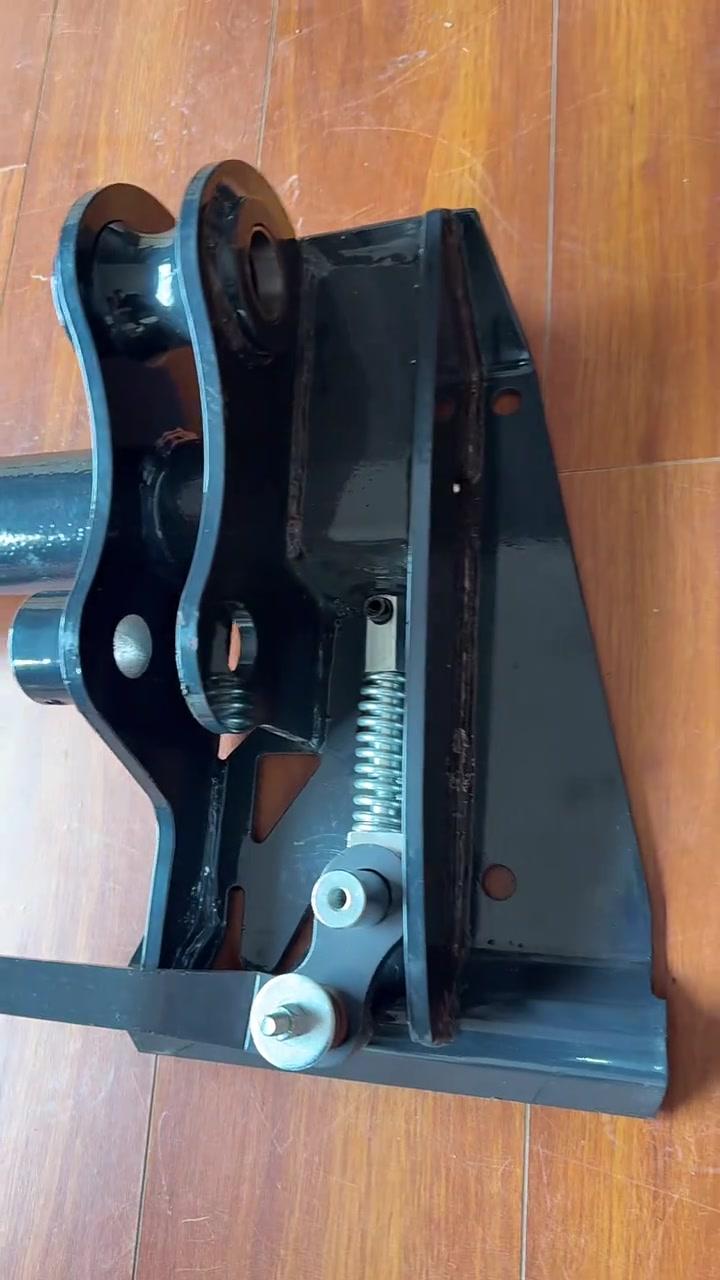
Quick-Attach Couplers
Quick-attach locking and coupler components. Compare interface geometry, pin locations, latch mechanism, and mounting dimensions.
View product pageProduct pages
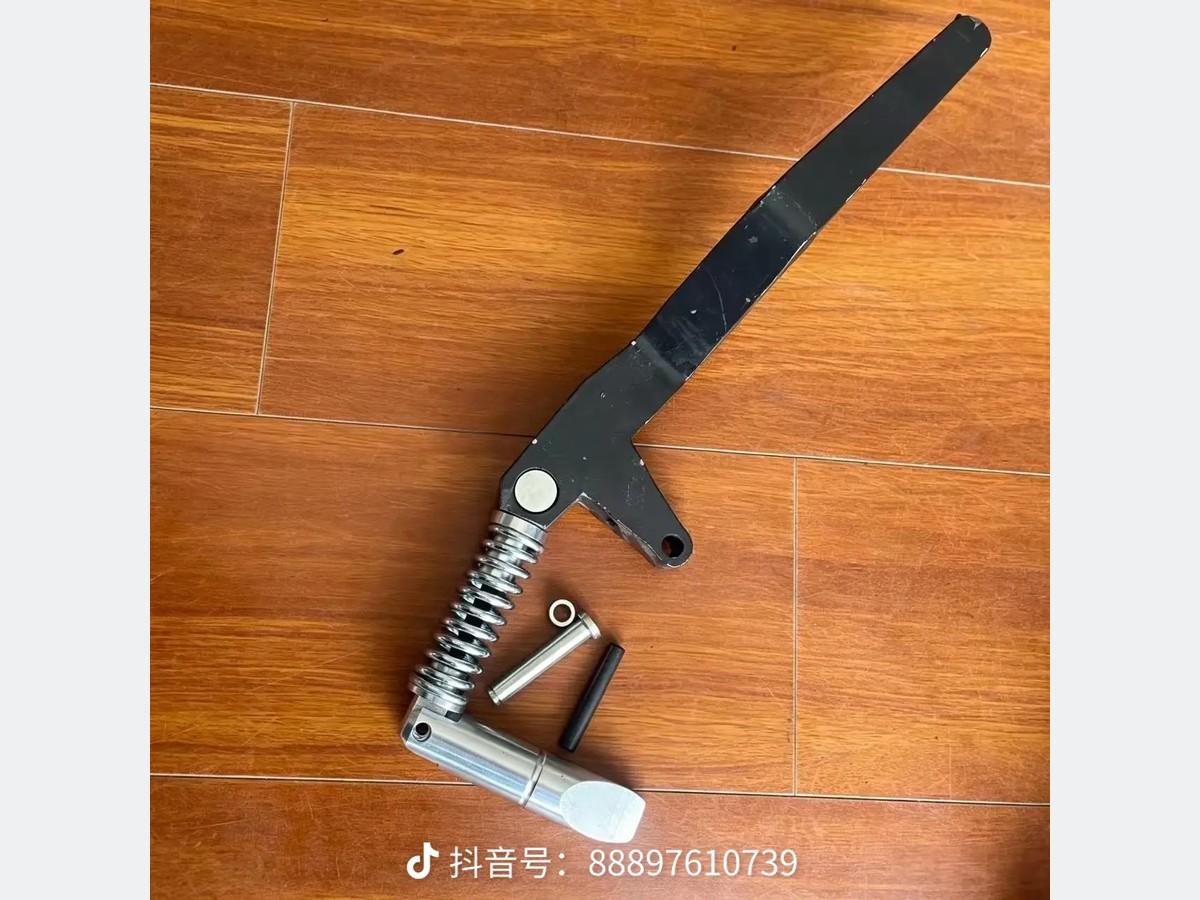
Quick-attach locking and coupler components. Compare interface geometry, pin locations, latch mechanism, and mounting dimensions.
View product page
Source-photo group showing mechanical quick-attach handles, springs, and loose hardware. Lever geometry, mounting position, included pieces, machine application, and fitment require verification.
View product pageQuick Attach Components guide
Levers, wedges, springs, and components for loader attachment interfaces.
Inspect both sides of the attachment interface and document how the locking mechanism moves. Compare lever or actuator arrangement, wedge shape and travel, pin and bore sizes, springs, links, stops, mounting spacing, plate wear, and engagement with the attachment hooks. Interface geometry must be reviewed as a system.
Use the machine identity, installed function, measurable interfaces, readable markings, and source photos together. A matching shape, connector, or single dimension is not proof of fitment.
Identification starting points
Record the complete machine identity, installed system, exact position, and job performed by the component.
Measure the physical features that connect, mount, seal, rotate, guide, or retain this loader structure and interface part.
Capture labels, part and casting numbers, revisions, full views, close-ups, and the surrounding assembly.
Selection checklist
Frequently asked questions
No. Similar-looking candidates can differ in dimensions, interfaces, internal configuration, material, or application. Use appearance only as a starting clue and compare machine identity, installed position, pivot geometry, interface dimensions together with readable identifiers.
Provide the machine brand, full model, serial or PIN, exact installed position, overall photos, close-ups of every marking, and the measurable loader structure and interface part interfaces. Missing identification data should remain unverified rather than being guessed.
Quick Attach Components can change by machine side, function, parent assembly, serial range, or option package. The installed location helps distinguish candidates that otherwise share a similar shape or connector.
No. A result only places the item within the Quick Attach Components review path. Fitment remains unverified until the machine record, identifiers, dimensions, interfaces, and installed configuration have been reviewed together.
Include the installed context, a full view of the component, every side and mating interface, readable labels or castings, and close-ups of critical measurements. Keep the parent assembly or mating component visible where practical.
Still not sure which part you have?
Include the installed position, readable identifiers, interfaces, dimensions, source photos, and full machine identity.
Fitment-first search